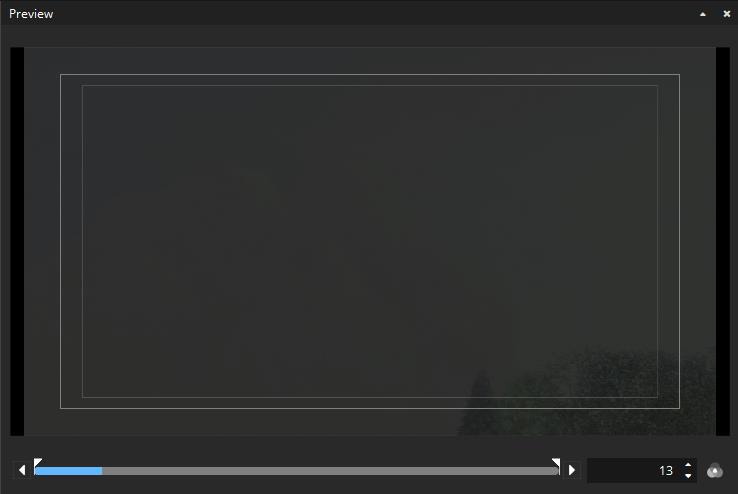
The Preview Window#
In the preview window, you are able to take a look into each Picture and Subtitle Track. The previewed frame number is shown in white letters in the box on the bottom right of the preview window (starting with 0). If you scroll to a position before offset or after duration, this number will turn red. By default, color processing will not be shown. To activate the color processing preview, toggle the “Preview color transform” button next to the frame number:
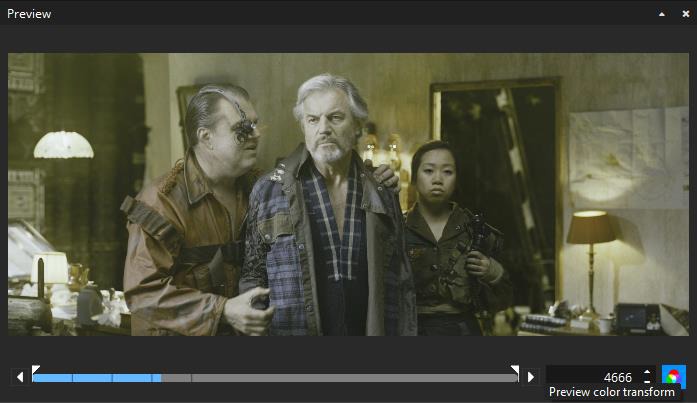
When color processing is disabled, the source color space will be previewed. When it is enabled, the configure Preview color space (see Settings => Preview) will be used.
Color processing won’t affect subtitle preview.
Preview for audio tracks is not yet supported.
Safe Areas#
Introduced in version 3.6.0, easyDCP Creator can overlay „Title Safe“ and „Action Safe“ areas as well as the DCI containers Flat, Scope and Full.
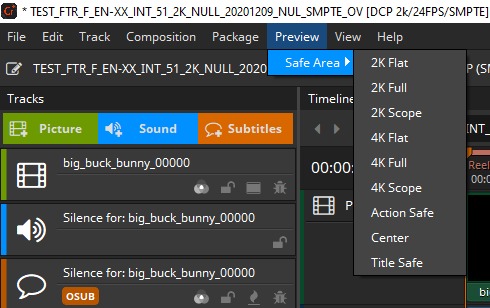
Each preset is based on an XML file that is located in a directory which can be opened by selecting “Open Repository”. The “Title Safe”, “Action Safe”and “Center” presets are defined by specifying coordinates relative to the image. The remaining presets, on the other hand, are defined based on absolute coordinates. Based on the presets it should be straight forward to add additional custom presets, when required. They can either be copied into the directory where they will be detected by easyDCP Creator after a restart or they can be imported by selecting the “Add new preset…” option. The colors or thickness can currently not be changed. The overlays cannot be burnt into the image when exporting the DCP package.