
The Metadata Window#
The metadata window shows the most important technical properties of whatever item is currently selected. It is merely a read-only element and cannot be used to change any of the properties.
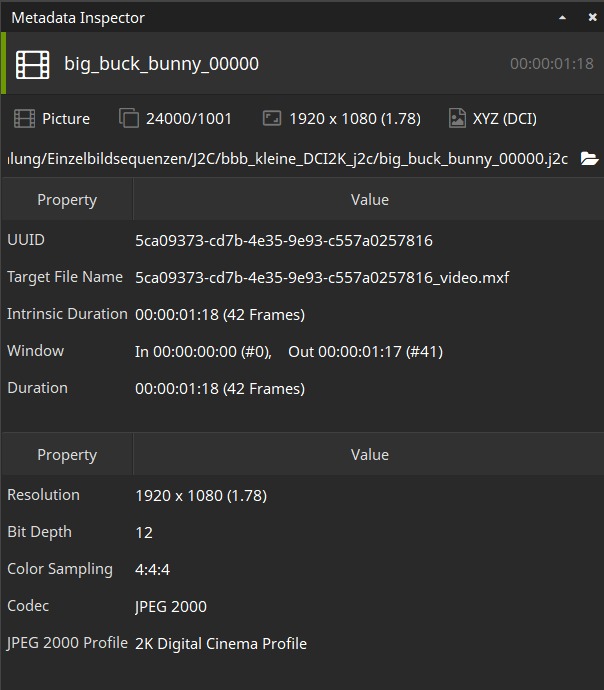
The set of properties that are displayed depends on what item type was selected:
Track (picture, sound or timed text)
Track in Reel (picture, sound or timed text)
Reel
Composition
The Metadata and Preview windows always refer to the same item.